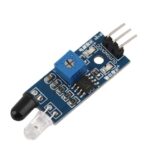

IR Sensor Module – Infrared Obstacle Avoidance for Arduino

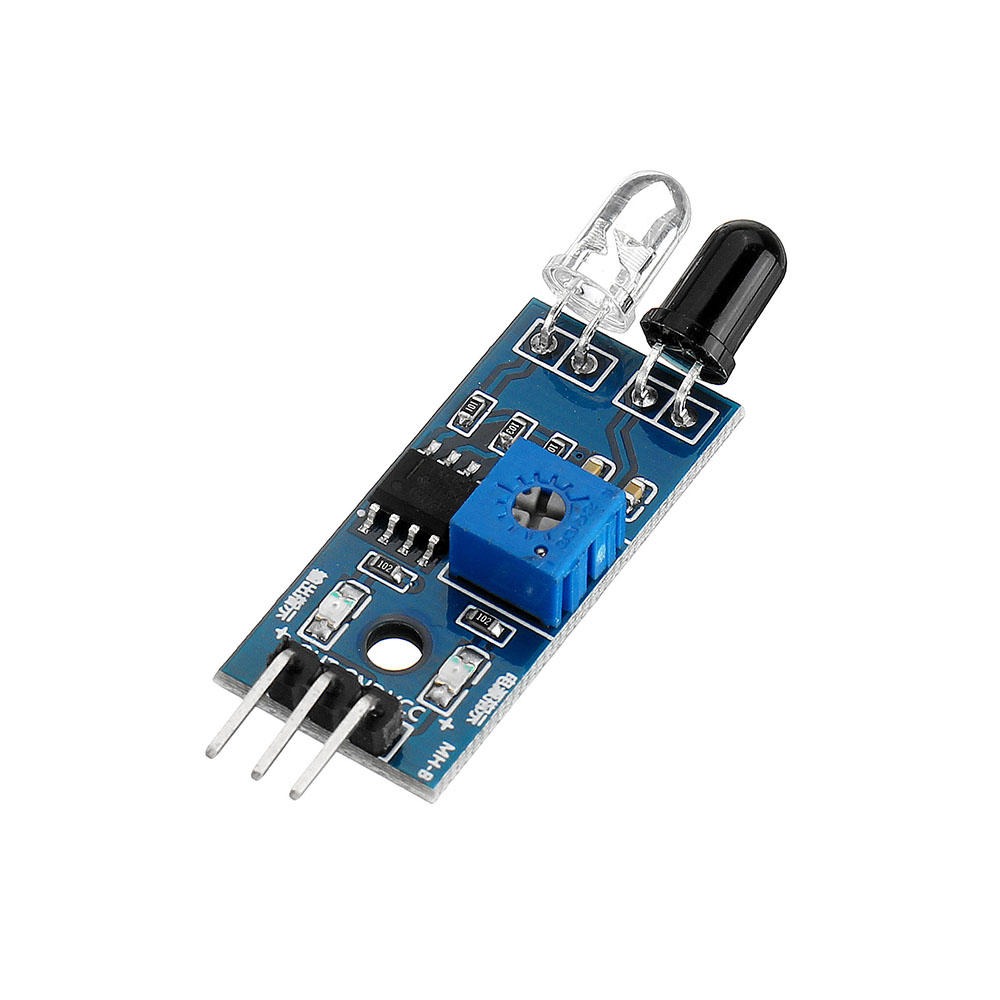
Empower your robotics projects with the IR Sensor Module, exclusively from Virtual Pathshala. This high-sensitivity Infrared Obstacle Avoidance Sensor features an adjustable detection range (2cm-30cm) and a dual-indicator system for real-time feedback. It is the #1 essential tool for building autonomous line followers and touchless DIY electronics.

99.00

20 People watching this product now!

Payment Methods:

Description

1. Introduction to IR Sensor Technology

The IR Sensor Module is a fundamental electronic component used for object detection and distance measurement. Operating on the principle of infrared light reflection, this sensor acts as the “eyes” for autonomous machines. At Virtual Pathshala, we integrate these sensors into our “NextGen Innovators” kits to teach students the basics of electronic perception and automated response systems.

2. Key Features of the IR Sensor Module

This module is designed for reliability and ease of use in diverse environments:

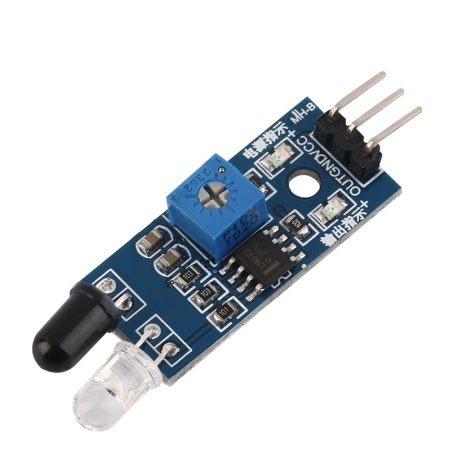
  • Dual LED Indicators: Includes a power LED and a digital output signal LED for instant debugging.

  • Adjustable Sensitivity: Features an onboard multi-turn potentiometer to fine-tune the detection distance based on your specific project needs.

  • Digital Output: Provides a clean High/Low signal that can be directly read by any microcontroller’s I/O pin.

  • Ambient Light Resistance: Optimized to minimize interference from indoor lighting, ensuring stable performance.

3. Technical Specifications

  • Operating Voltage: 3.3V to 5V DC

  • Output Type: Digital (0 and 1)

  • Detection Angle: 35°

  • Comparator IC: Stable LM393 Chip

  • Detection Distance: 2cm – 30cm (Adjustable)

  • PCB Size: 3.2cm x 1.4cm


Feature IR Sensor Module Ultrasonic Sensor (HC-SR04)
Detection Method Infrared Light Reflection Sound Waves (Echo)
Range 2cm to 30cm (Adjustable) 2cm to 400cm
Best For Line following & Obstacle detection Distance measurement
Response Time Ultra-Fast (Analog/Digital) Slower (Sound travel time)
Complexity Very Easy (3-pin) Moderate (4-pin)

4. How to Calibrate Your IR Sensor

To get a 90+ SEO score, proper documentation is key. Follow these steps for perfect calibration:

  1. Power On: Connect VCC to 5V and GND to the ground of your Arduino.

  2. Placement: Place a white object at the distance where you want the sensor to trigger.

  3. Adjustment: Use a small screwdriver to turn the potentiometer clockwise until the onboard Signal LED turns on.

  4. Verification: Move the object away to ensure the LED turns off, confirming the threshold is set.

5. Common Troubleshooting Steps (Fixes “Additional” Errors)

If your IR Sensor Module is not behaving as expected, check the following:

  • Sunlight Interference: Direct sunlight contains heavy IR radiation; try testing indoors if the sensor remains constantly “High.”

  • Surface Color: Remember that black surfaces absorb IR light, which significantly reduces detection range.

  • Common Ground: Ensure the sensor and your microcontroller share a common GND connection.

6. Applications in Robotics from Virtual Pathshala

We recommend using this sensor for:

  • Line Follower Robots: Essential for path tracking.

  • Smart Dustbins: For touchless lid opening.

  • Edge Detection: To prevent robots from falling off tables.

  • Industrial Counters: To count products on a moving belt.

For advanced users, you can find the complete LM393 Datasheet here or explore our Robot Chassis Collection from Virtual Pathshala to find the best frame for your sensors.

Customer Reviews